
Miga Town: My Store1.9 - AppGallery
You'll be able to see results in few seconds.
Publisher Description

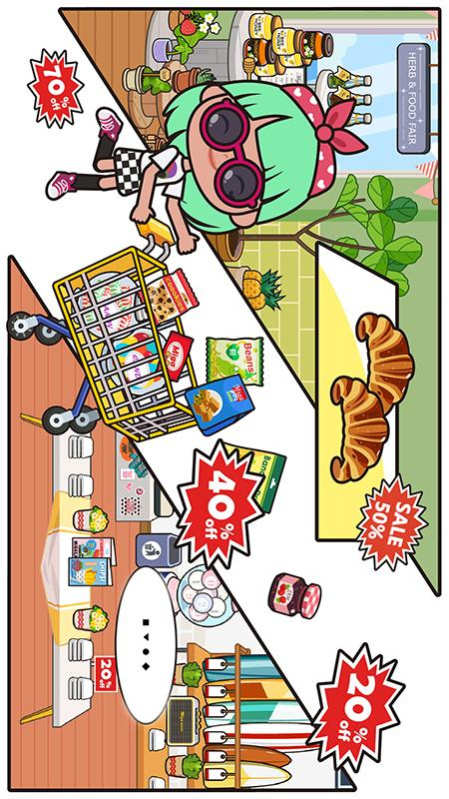
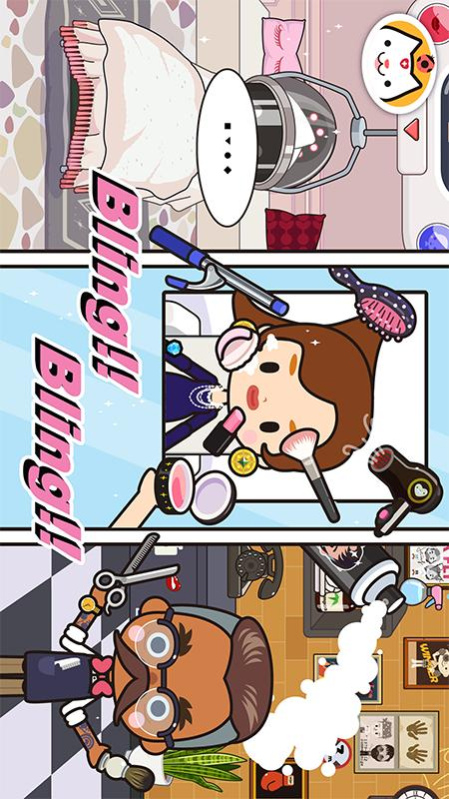
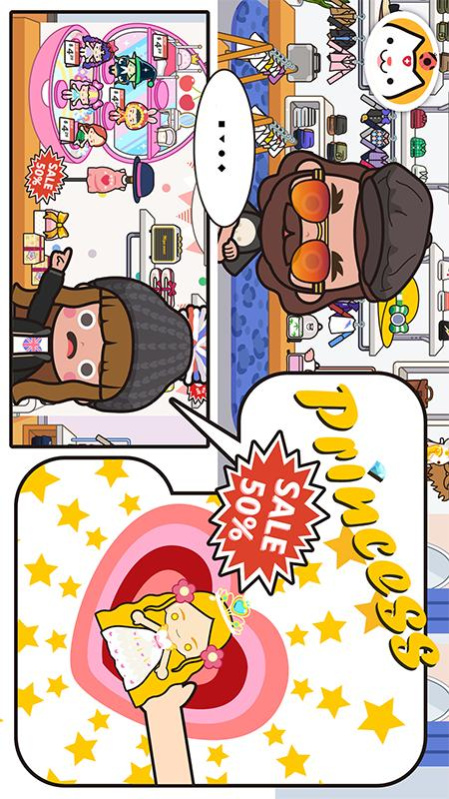

You can define the dress-up, hairstyle and magical makeup in the game depending on your preferences. Show your unique charm and write down your own story!
Creation
Show off all your creative ideas in the Miga Store . You can change your clothes, dye your hair into any color, or create your best friend and explore unknown places together with him/her. Tens of billions of changes allow you to make any combination you want.
Feature
- 6 scenes: Apartment, sports store, supermarket, clothing store, fashion store, hair salon
- Apartment: Two apartments in different styles may let you experience different moods
- Sports store: Head towards the sports supermarket to buy golf supplies or take part in the boxing training
- Supermarket: Spend some time on food and enjoy the enticing delicacies
- Clothing store: You can find a large collection of the latest clothes here to dress yourself up. Don't leave in a hurry. Take a photo to memorize this moment!
- Fashion store: Take time to pick out cute or cool glasses. Rich accessories are ready for you to choose
- Hair salon: More beautiful hair styles and more DIY tools are waiting for you to create your own characters
--Give full play to children’s creativity
--Tens of billions of customized modes
--No time limit or score ranking list
contact us:support@xihegame.com
About Miga Town: My Store
The company that develops Miga Town: My Store is XiHe Digital Inc.. The latest version released by its developer is 1.9.
To install Miga Town: My Store on your Huawei device, just click the green Continue To App button above to start the installation process. The app is listed on our website since 2021-11-25 and was downloaded 0 times. We have already checked if the download link is safe, however for your own protection we recommend that you scan the downloaded app with your antivirus. Your antivirus may detect the Miga Town: My Store as malware as malware if the download link to C104691381 is broken.
How to install Miga Town: My Store on your Huawei device:
- Click on the Continue To App button on our website. This will redirect you to Huawei Store.
- Once the Miga Town: My Store is shown in the Huawei Store listing of your Huawei device, you can start its download and installation. Tap on the Install button located below the search bar and to the right of the app icon.
- A pop-up window with the permissions required by Miga Town: My Store will be shown. Click on Accept to continue the process.
- Miga Town: My Store will be downloaded onto your device, displaying a progress. Once the download completes, the installation will start and you'll get a notification after the installation is finished.
Program Details
System requirements
Download information
Pricing
Version History
version 1.9
posted on 2021-11-25
Disclaimer
Official AppGallery Link
We do not host Miga Town: My Store on our servers. We did not scan it for viruses, adware, spyware or other type of malware. This app is hosted by Huawei and passed their terms and conditions to be listed there. We recommend caution when installing it.
The AppGallery link for Miga Town: My Store is provided to you by apps112.com without any warranties, representations or guarantees of any kind, so access it at your own risk.
If you have questions regarding this particular app contact the publisher directly. For questions about the functionalities of apps112.com contact us.
